everything you needto ship with AI,in one place
A hand-curated directory of AI agents, image prompts, Claude Code skills, and MCP servers. No scraped junk, no SEO spam, no ads — every entry is reviewed before it ships.
What's in the registry
What do you need an agent to do?
Start with the job. Pick the category that matches what you're trying to get done.
Coding
Writes, edits, runs, and ships code.
Research
Searches, reads, synthesizes, cites.
Browser & Web
Navigates, clicks, fills forms.
Workflow & Automation
Orchestrates apps and tasks.
Data & Analytics
Queries databases, builds charts, analyzes.
Writing & Content
Drafts, edits, repurposes content.
Sales, Marketing & Support
Customer-facing communication agents.
Voice & Calling
Makes and answers phone calls.
Frameworks & SDKs
Build your own agent.
Featured agents
Hand-picked agents we keep coming back to. Each one earned its spot through actual use, not vendor pitches.
Aider
by Paul GauthierOpen-source AI pair programmer for the terminal. Edit your codebase by chatting in a CLI, with Git-native diffs and commits for every change.
CrewAI
by CrewAIOpen-source Python framework for orchestrating multiple AI agents as a "crew" — each agent has a role, goal, and tools, and they collaborate to complete tasks.
Devin
by Cognition LabsAutonomous software engineer that takes a task, plans the work, writes the code, runs the tests, and reports back with a pull request — without supervision in between.
Gemini Deep Research
by GoogleGoogle's autonomous research agent that plans a multi-step investigation across the web, gathers sources, and produces a structured report with citations.
Make
by Make (Celonis)Visual workflow automation platform with deep AI integration. Build agents that connect 2,000+ apps through a drag-and-drop canvas, no code required.
Multion
by MultiOn AIBrowser automation agent that performs tasks on websites for you — booking, ordering, filling forms, gathering data — through a Chrome extension or API.
Featured image prompts
Copy, paste, generate. Each prompt is tested on the model it targets, with the parameters that make it sing.
Cinematic golden hour portrait
A warm, atmospheric portrait with soft rim lighting and shallow depth of field. Reliable for character shots that feel like film stills.

Editorial illustration with integrated headline
A flat, modern editorial illustration with a real headline rendered legibly inside the image. DALL·E 3's text rendering is its standout strength.
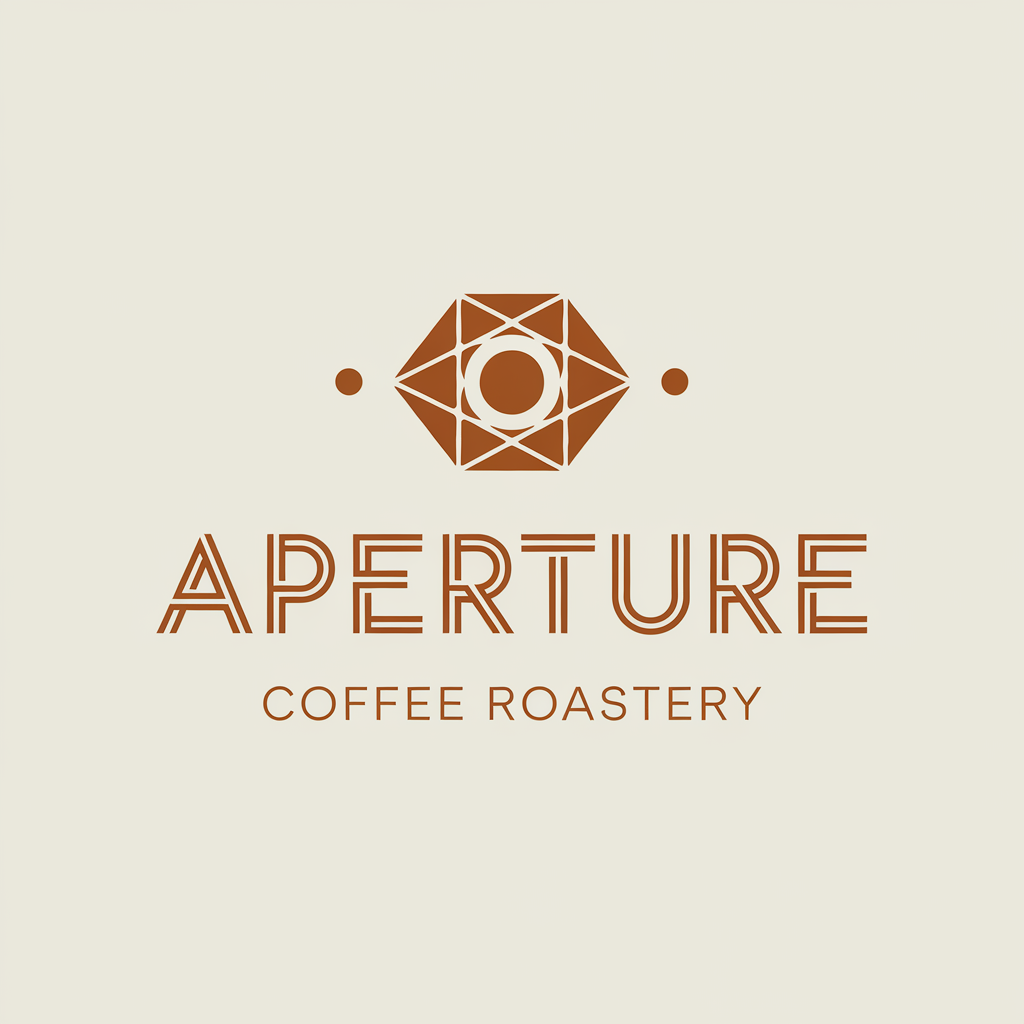
Minimalist logotype with custom mark
A clean, geometric logo with a custom mark and legible wordmark. Ideogram is unmatched for logo work because of its text rendering and sharp shape control.

Painterly concept art landscape
A wide, painterly landscape in the style of a feature animation background. Stable Diffusion XL with the right LoRA gives you control Midjourney won't.

Studio product shot on textured concrete
Clean, commercial-grade product photography with soft studio lighting and a quietly luxurious concrete surface. Works for skincare, electronics, or any premium SKU.
Featured skills
Drop-in capabilities for Claude Code, Cursor, and Cline. Each one extends what your agent can do without writing a line of config.
Code Reviewer
A Claude Code skill that performs a structured review of pending changes — flags bugs, security issues, style drift, and missing tests before you commit.
PR Summarizer
Generates a clear, scannable pull request description from your branch's commits and diff. Produces a Summary, Changes, and Test Plan section in your team's preferred style.
SQL Explainer
Paste a SQL query and get a plain-English breakdown — what tables it touches, what filters apply, what the output shape will be, and any obvious performance pitfalls.
Featured MCP servers
Connect your agent to GitHub, databases, files, and more — one install command each.
GitHub MCP
Official MCP server for GitHub. Read repos, browse issues and PRs, search code, manage branches, and post comments — all from inside your MCP-compatible client.
Filesystem MCP
Reference MCP server for local filesystem access. Read, write, search, and list files within explicitly allowed directories — the foundation for code-aware agents.
Postgres MCP
Read-only Postgres access for MCP clients. Inspect schemas, run SELECT queries, and let your agent answer data questions without write access to your database.
Curated, not crawled.
Every agent and prompt on Kritak is hand-reviewed before it ships. Each agent comes with a curator note covering what it does well, where it falls short, and who should use it. No surprises.
Find
Filter by use case, type, or pricing. Search by name, capability, or tag.
Read
Curator note tells you what it does well, where it falls short, who it's for.
Try
One-click access to the agent's website or its source repo. No signups required.